
Get answers across your business
Ask about completed visits, parts requests or customer balances. Vedae brings together records from your connected systems and shows the sources behind the answer.

Field service & maintenance
Answer technical questions on site. Analyse service data, prepare documents and automate recurring office work. Help leadership make faster, better-informed decisions. All using your company’s knowledge and current data.
 Vedae TouchPoint™
Vedae TouchPoint™
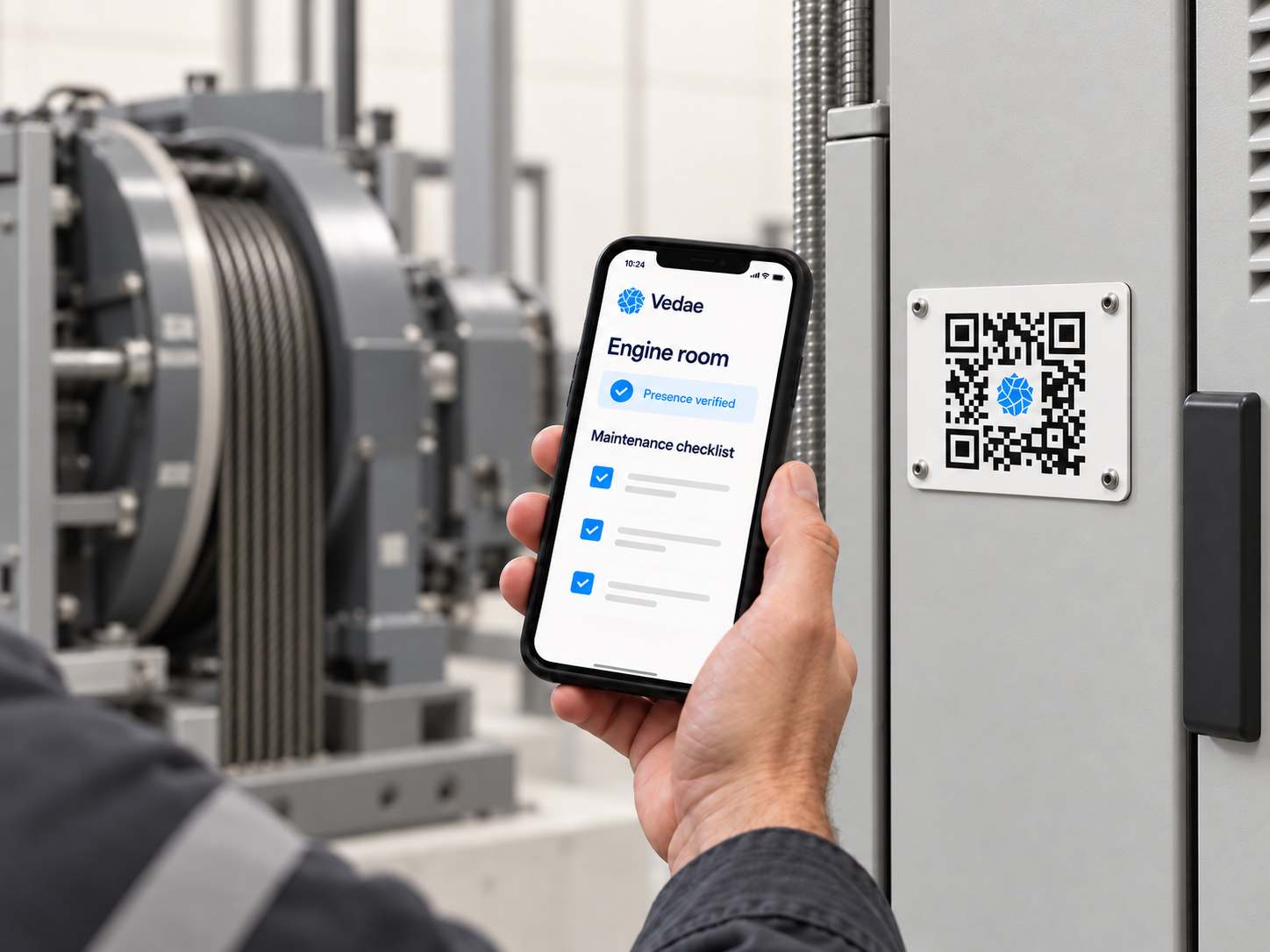
Scan the equipment with Vedae TouchPoint™ to see previous visits, work carried out and parts fitted. Ask questions using its manuals and service history, follow maintenance steps and record the work on site. Find compatible spare parts and check availability in the connected warehouse system.
Ask about completed visits, parts requests or customer balances. Vedae brings together records from your connected systems and shows the sources behind the answer.
Use service records, customer agreements and company templates to prepare reports and renewal drafts. Your team checks the details and approves the result.
Schedule regular reports and checks with Vedae Workflows™. Each run uses current company data and returns the result to the same conversation, ready for your team to act on.